E-Safety
Parent Guidance about eSafety
To view our e-Safety Policy please click here.
If you are worried about online sexual abuse or the way someone has been communicating with you or your child. Report it by following the link https://www.ceop.police.uk/safety-centre/
Please click here to read our Computing Information booklet
At St. Mary's Esafety takes high priority, and we use the document ‘Education for a Connected World’ by the UK Council for Internet Safety to help structure our lessons and discussions. To Thisread the full document, please click here.
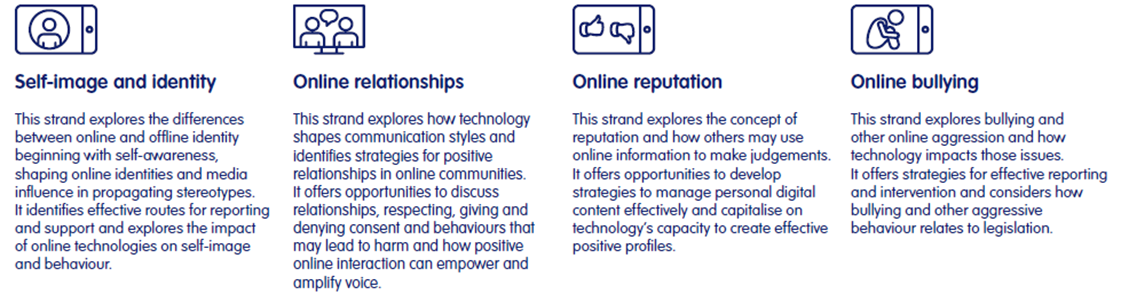
Each half term, we will focus on a different strand of online safety:
Autumn 2
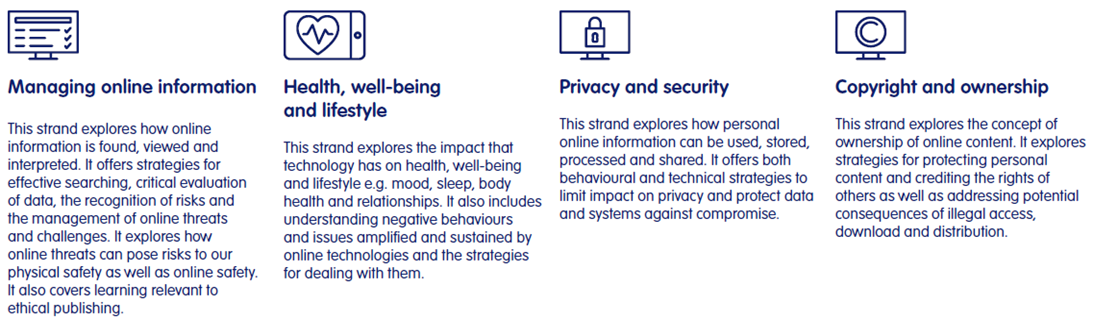
This half-term, we will be talking to your children about Managing Online Information. In Reception, children will begin to understand how we find information out online, and which devices we can use to do this. In KS1, we will build on this by thinking about the different digital technologies we can use to find information out online (search engines, voice activated devices such as Alexa and Siri etc), discuss how we navigate web pages to find the information we need, and think about how reliable and trustworthy information online is.
In KS2, children will think about the limitations and problems that may occur when searching online. We will think about the phrases we need to enter into search engines in order to gather the most accurate information, and to think about the reliability of information by identifying whether something is a fact, a belief or an opinion. We will look at some of the ways people are encouraged to buy things online (through targeted advertising offers. In-app purchases and pop-ups), identify what ‘fake news’ might look like and discuss when it is important to be ‘sceptical’.
Autumn 1
This half-term, we are talking to your children about self-image and identity. In KS1, we want children to recognise that people both online and offline can sometimes make others feel sad, embarrassed or upset. We want children to understand who they can speak to if they become worried, uncomfortable or frightened by anything they may encounter online. Children in KS1 will also be able to explain how people may look and act differently online and offline.
In KS2, children will think about how people can represent themselves in different ways online and will question why some people sometimes pretend to be something or someone different online. In upper KS2, we will discuss how identity online can be copied, modified or altered and demonstrate how to make responsible choices about having an online identity (through gaming etc).
In addition, the Stockport Online Safety Hub is now live and can be accessed here: https://stockport.onlinesafetyhub.uk/ This is a new online resource with lots of expert advice and guidance to help you manage your child’s safety online as a parent. It includes information on the latest topics when it comes to keeping children safe, such as how to manage your child’s screen time, understand the latest gaming platforms, what they mean for your child’s safety and lots more.
There is also a fantastic website – with worksheets and videos to guide discussions with children and young people across a range of ages about how to stay safe online! https://www.thinkuknow.co.uk/
Have a look at this website from Virgin Media – https://www.virginmedia.com/blog/online-safety/childrens-internet-safety-test/
We know that children, particularly younger children, can be bothered by things they see online, and filters can be a helpful tool in reducing the chances of coming across something upsetting. Below is a link to guides to setting up filtering on your home computers to help ensure inappropriate content cannot be accessed. Please check back regularly as new guides will be added as they become relevant.
Parental controls information
Remember that filtering is only part of the solution so check out our other links too!
https://www.internetmatters.org/resources/esafety-leaflets-resources/#online_issues
Internet Matters Guide Online Safety for Parents of Children 6-10-years-old
BBC Own It App
The BBC Own It website contains some great resources for both children and parents. This link contains some useful information to enable you to support your child in making the most of their lives online:
https://www.bbc.com/ownit/dont-panic/support-for-parents-and-guardians
Advice about keeping young children safe online
Advice about social networking
Please complete our Parents E-safety Survey and hand in to our school office to help us target our e-safety training specifically to support you: E-Safety questionnaire
Parents E-Safety morning
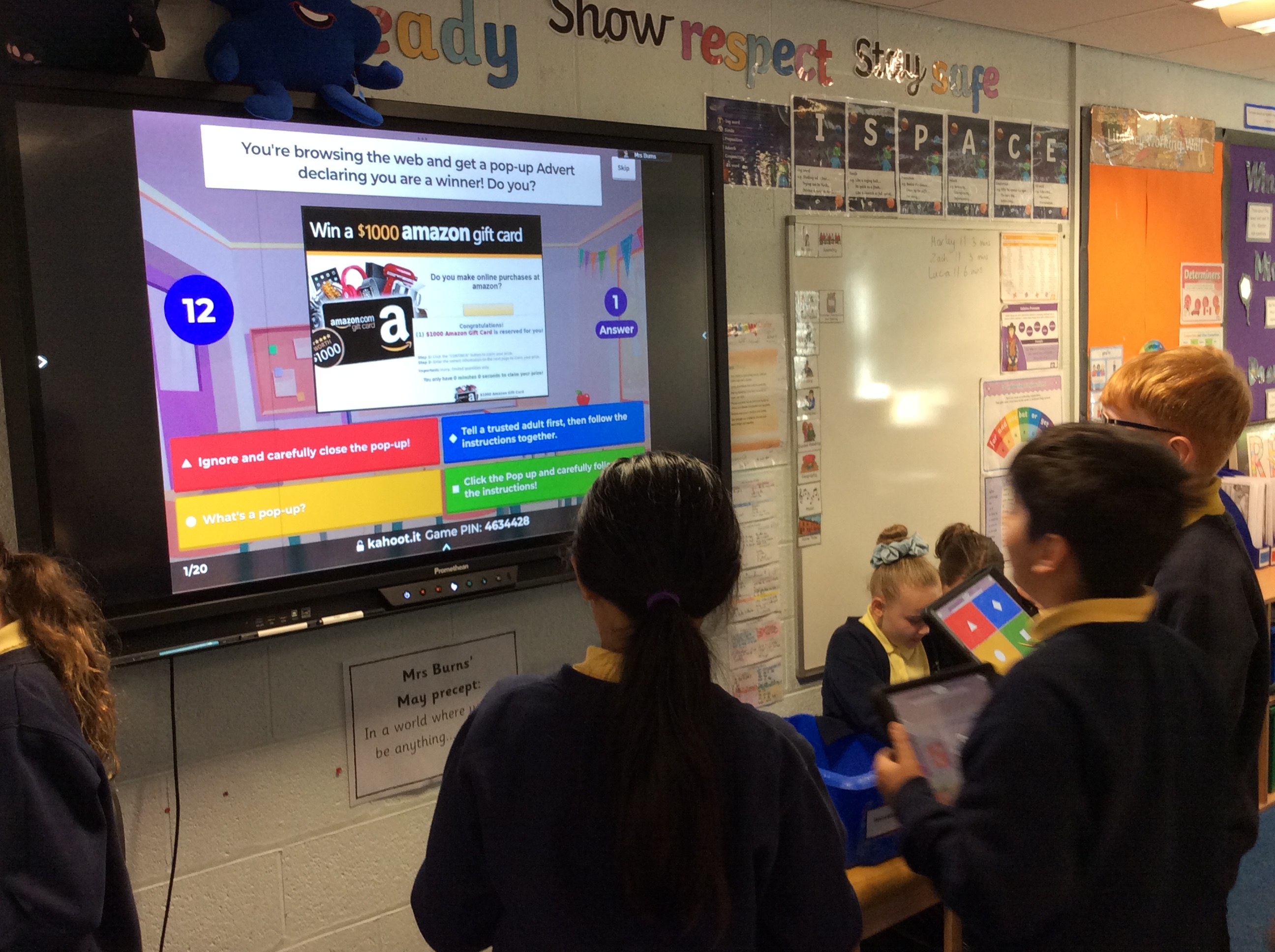
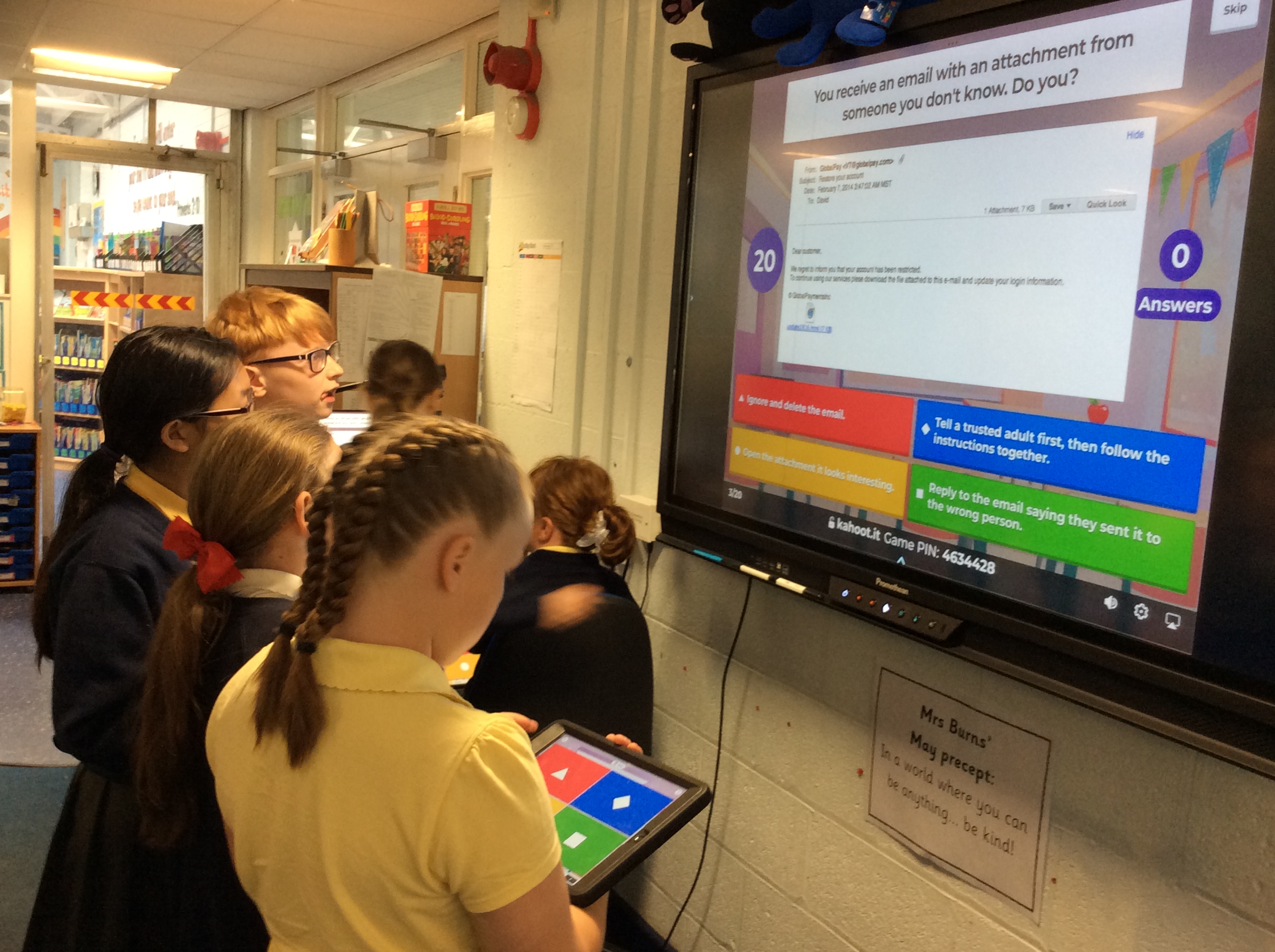
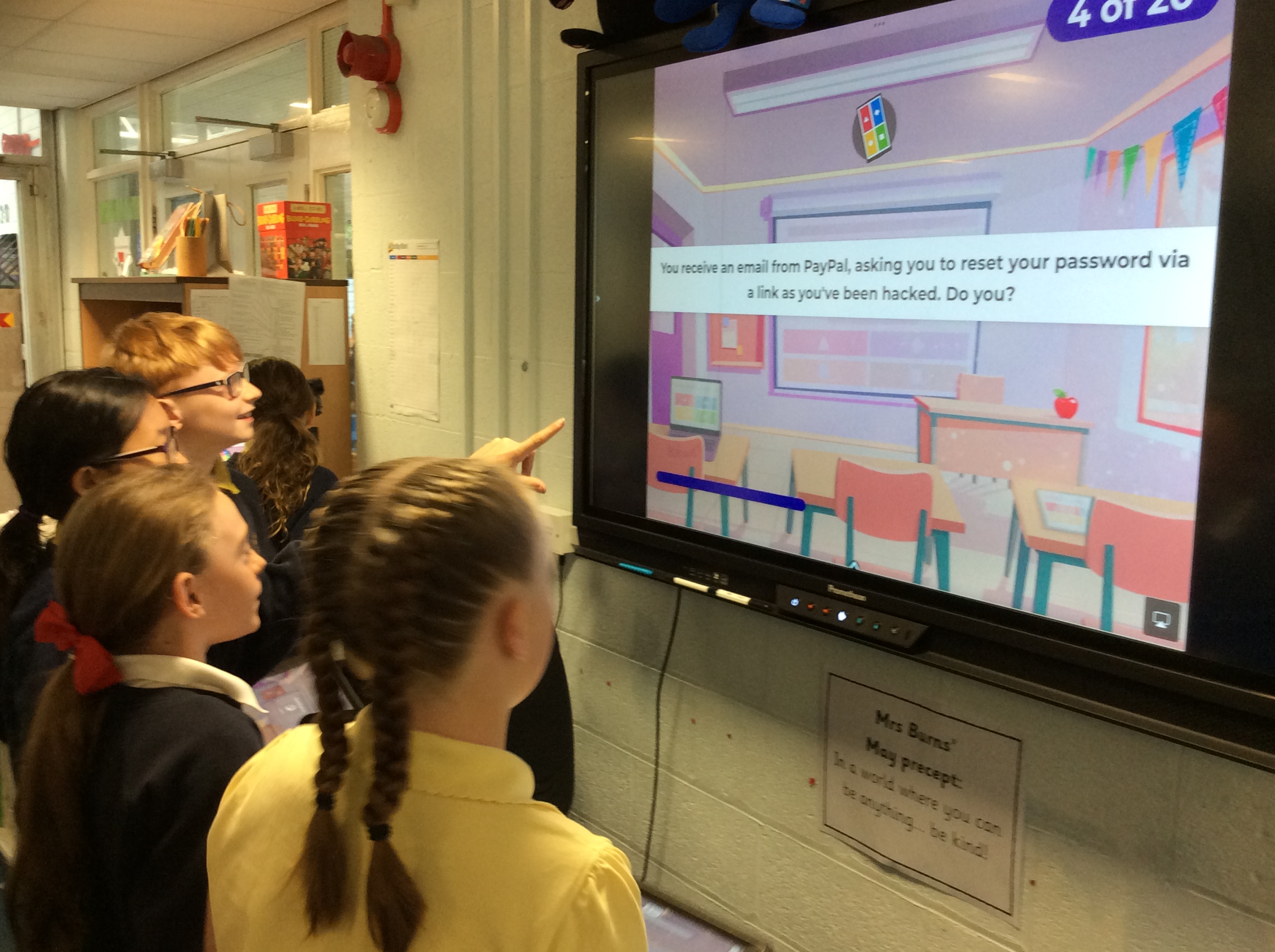
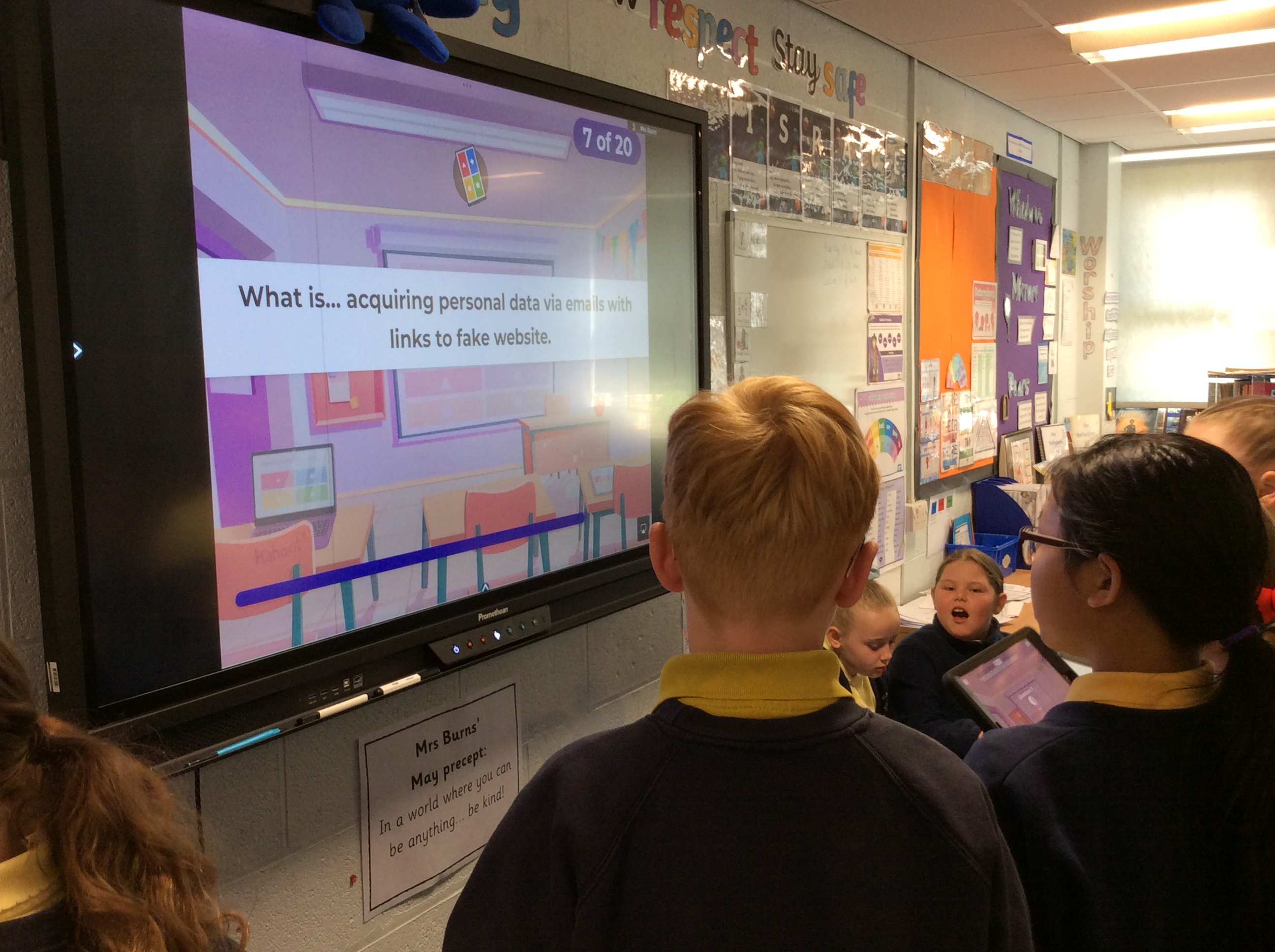
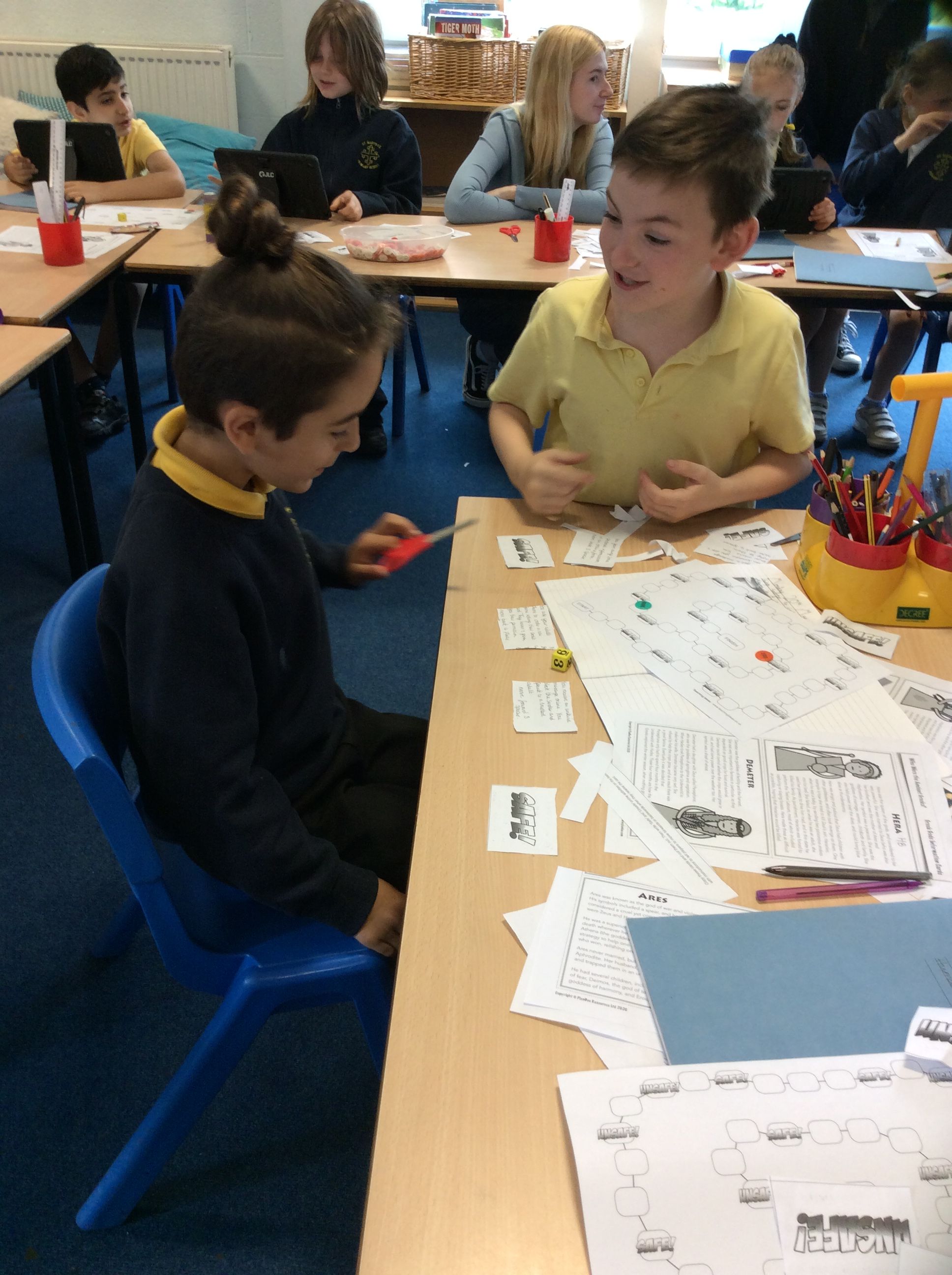
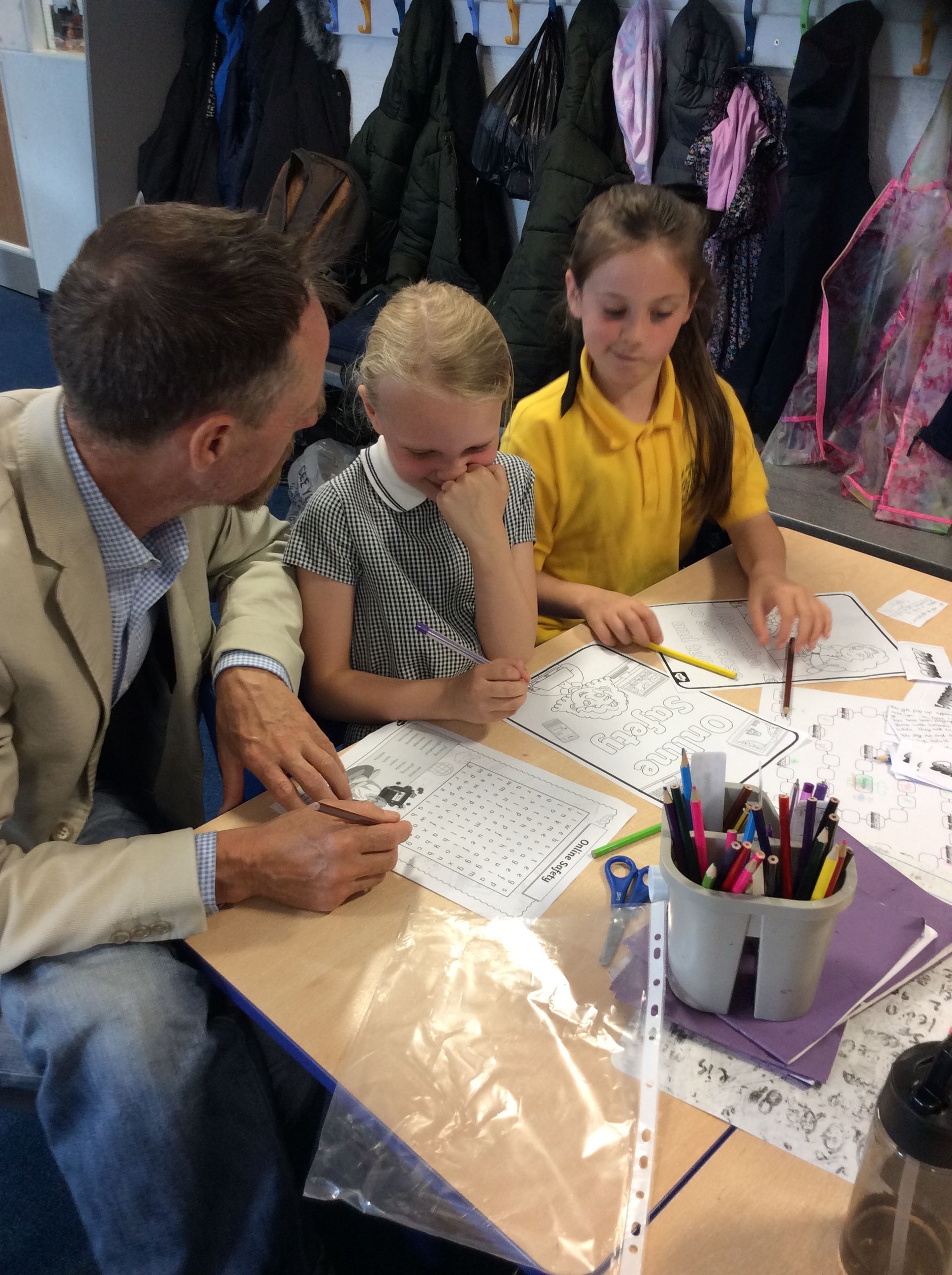
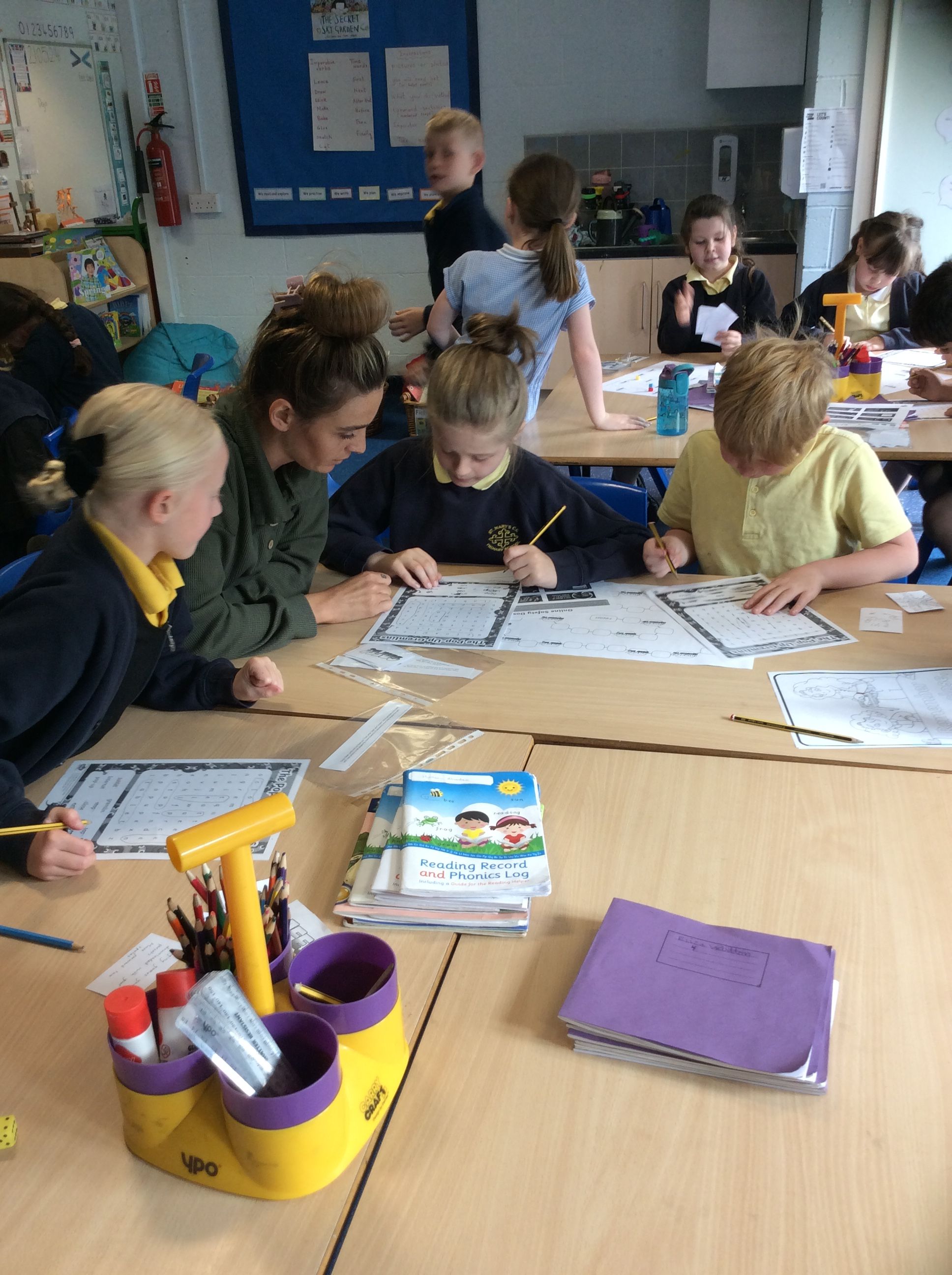
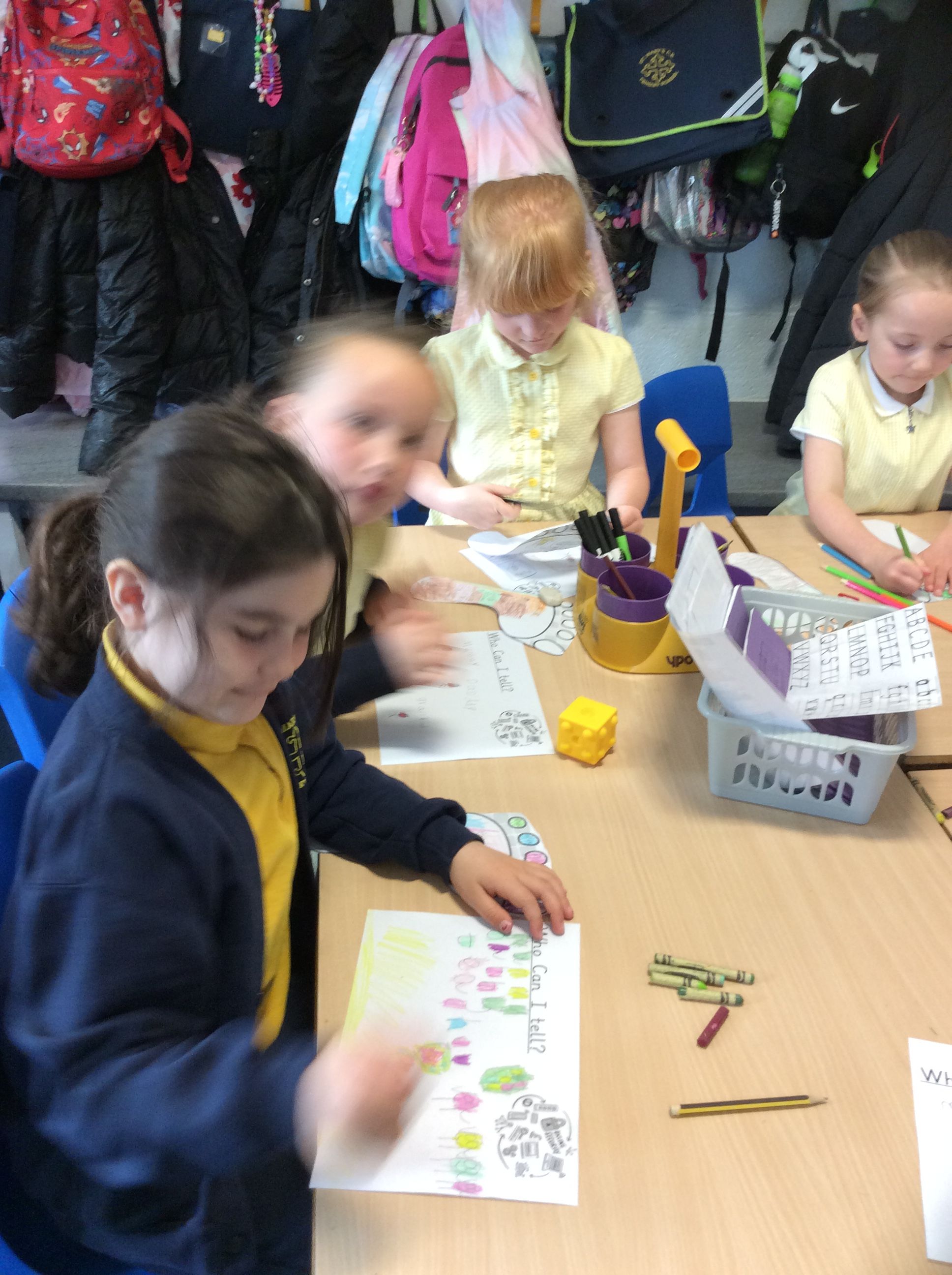
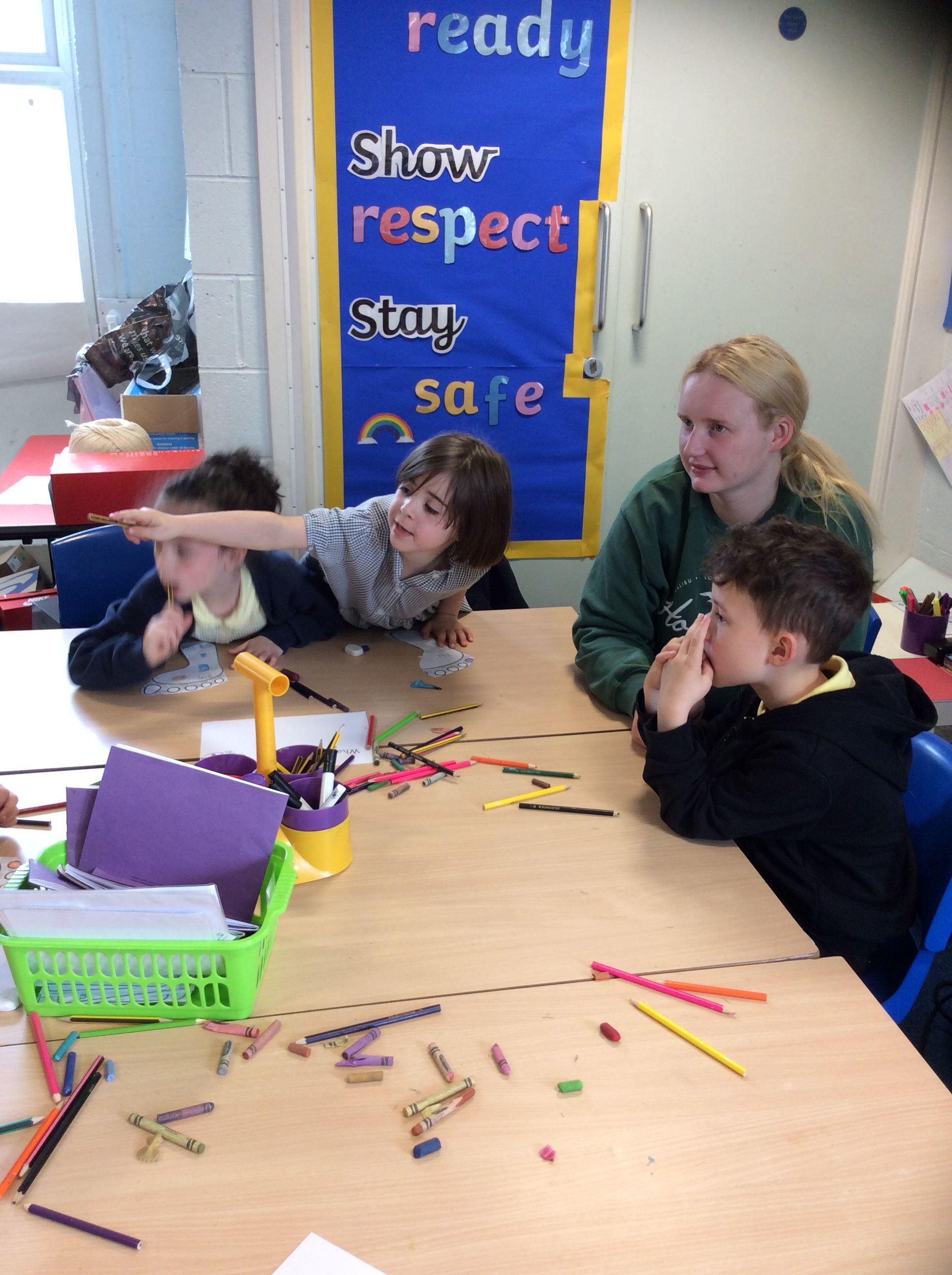
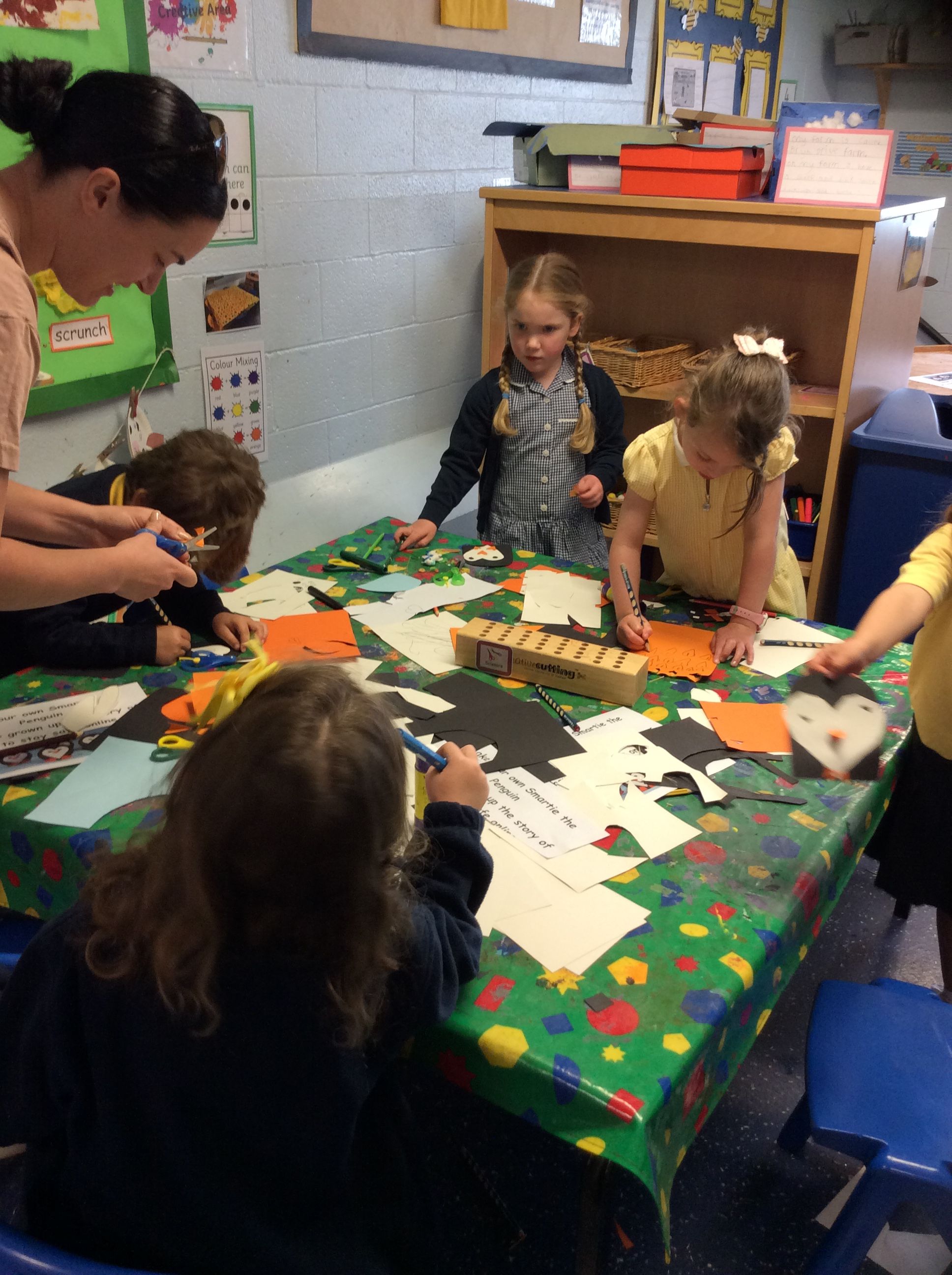
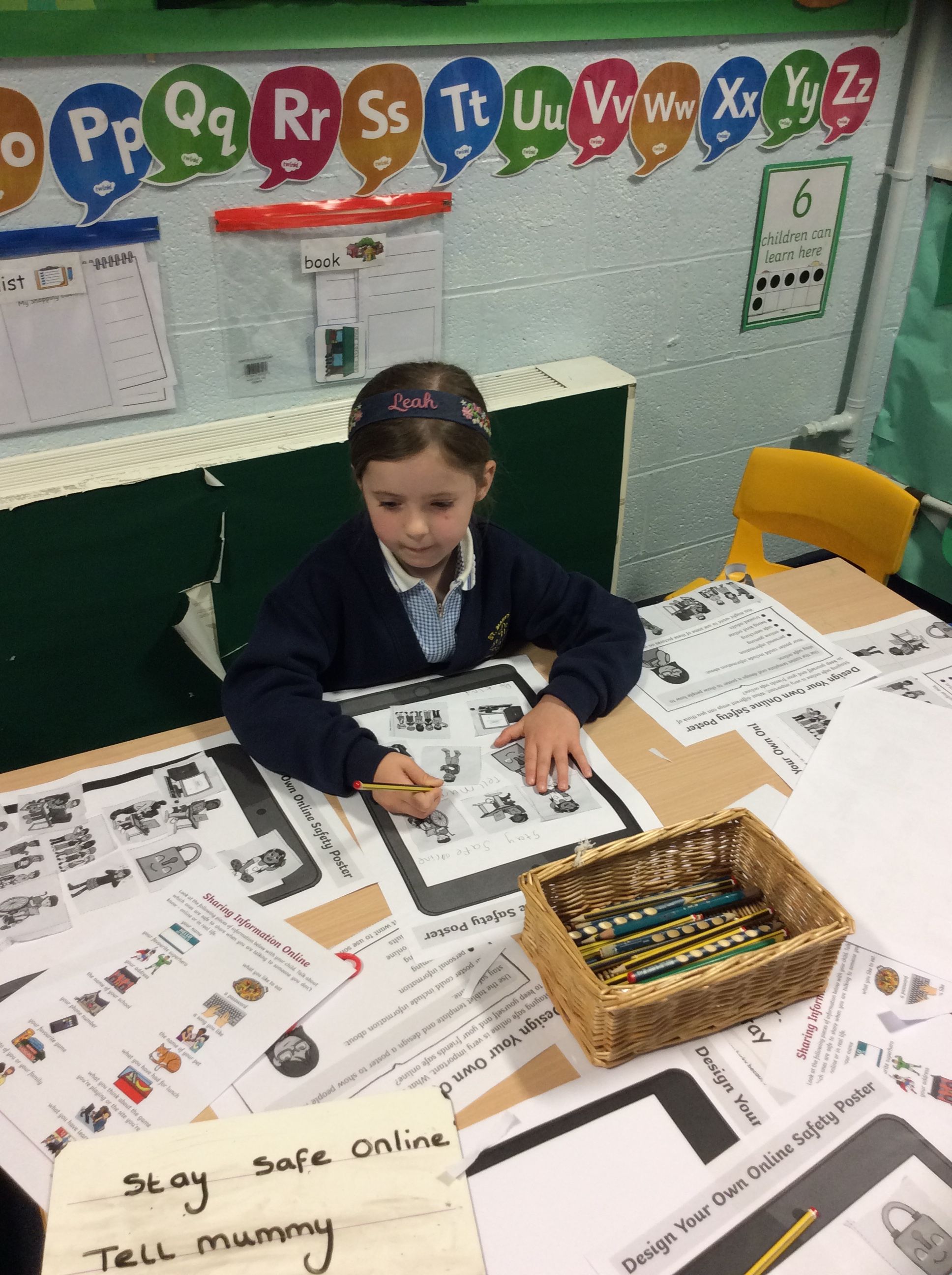
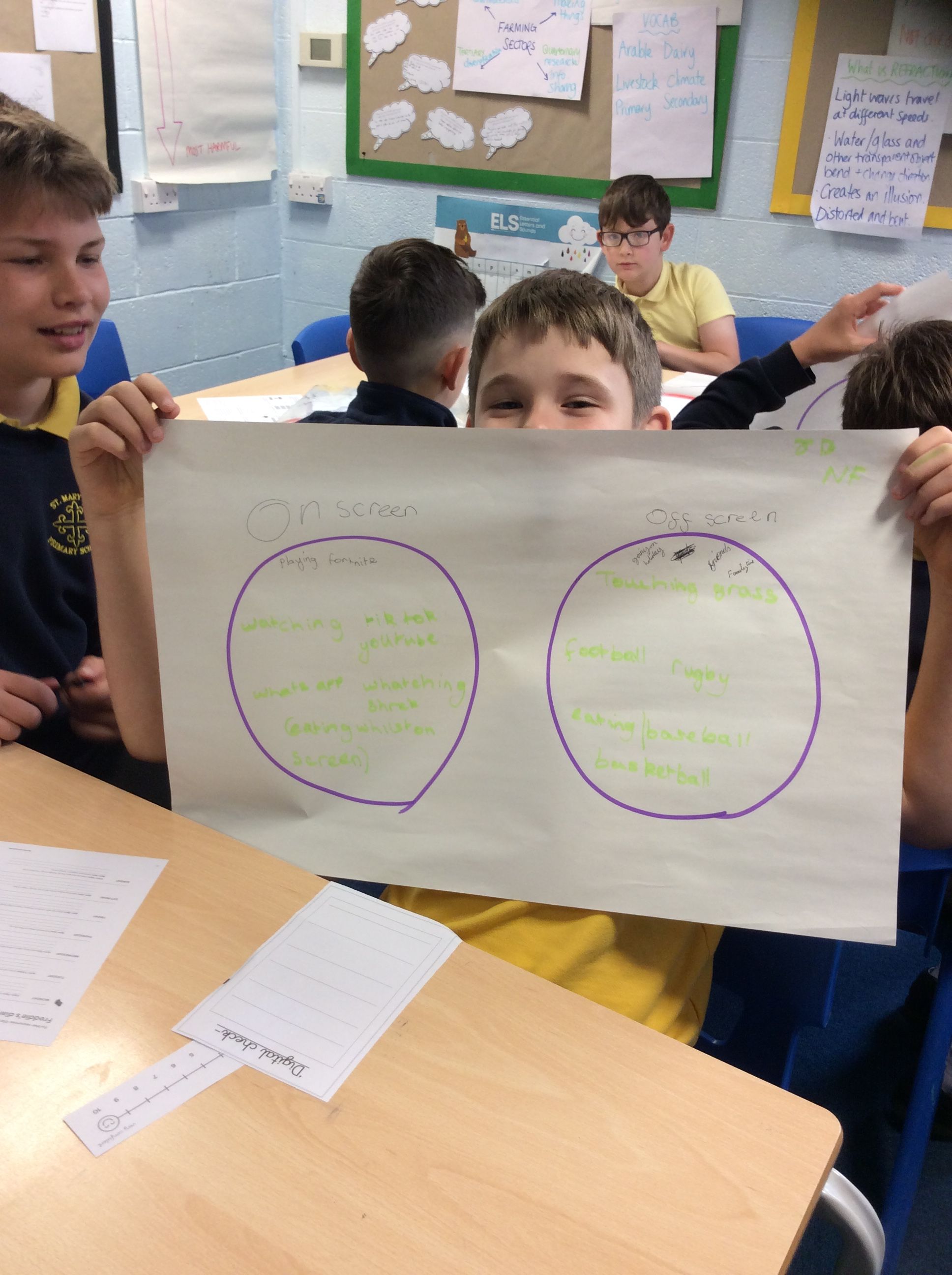
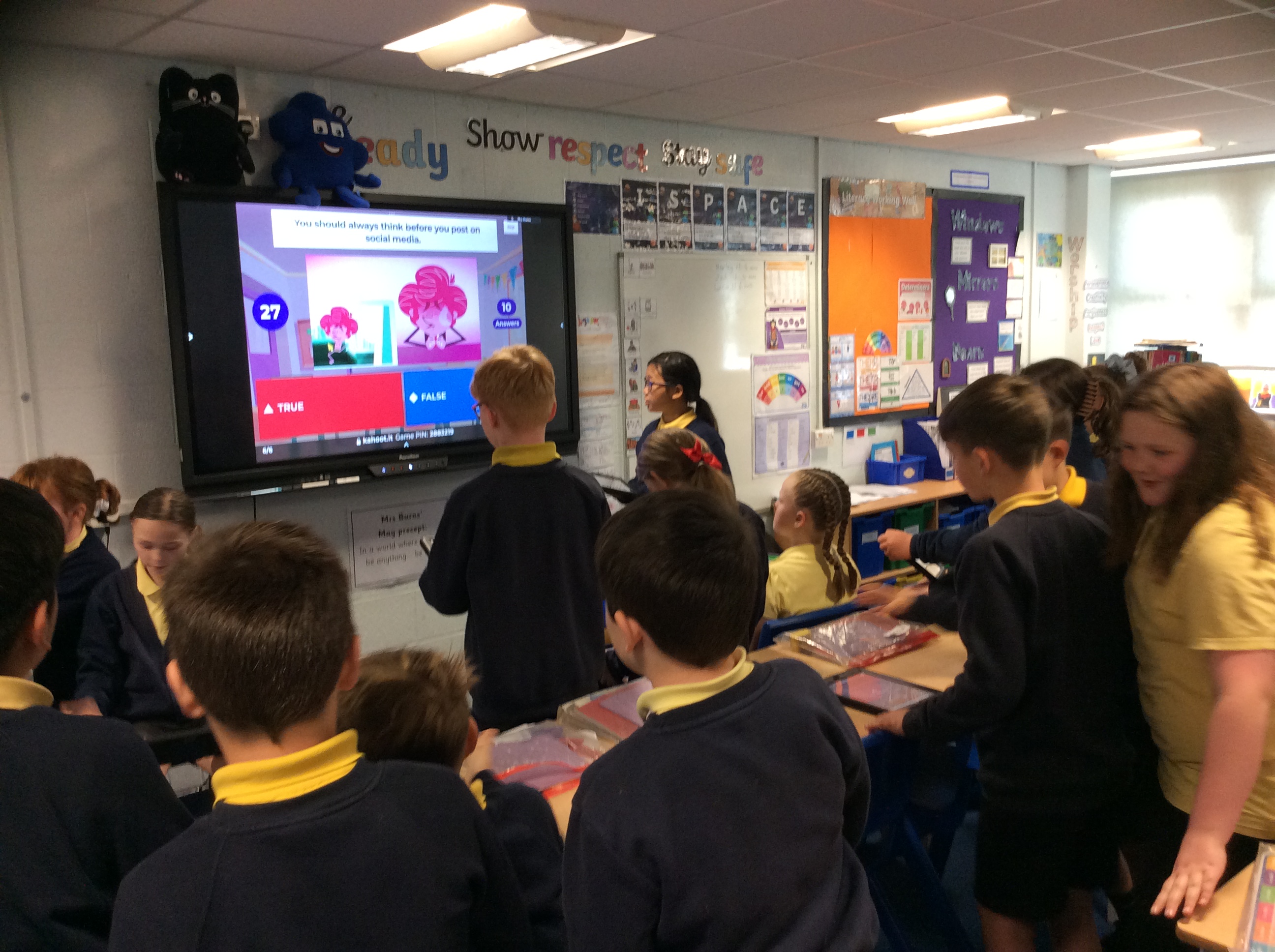
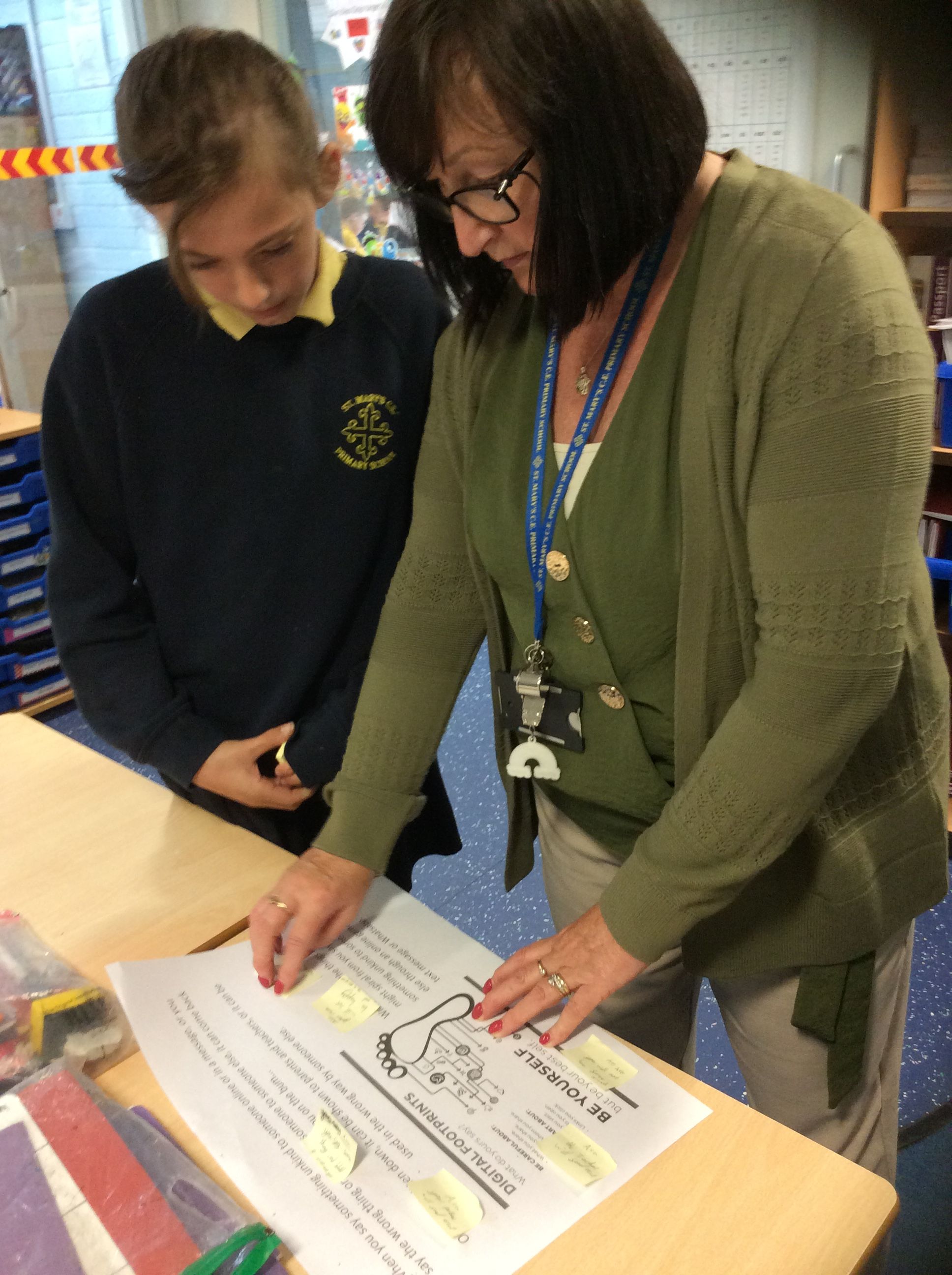
We invited parents in to work with us on some E-Safety issues that link to our E-Safety lessons. Each class completed different activities linked to Online Safety. Take a look at some of our photos here: